
WebApp · new
Your customers, always with you
With the KS1 WebApp you have customers, contacts, quotations, orders, invoices and tasks at hand on the go – in the browser on your phone, tablet or laptop, no installation, encrypted.
- No installation
- For phone, tablet and PC
- Encrypted with your key
Customer file
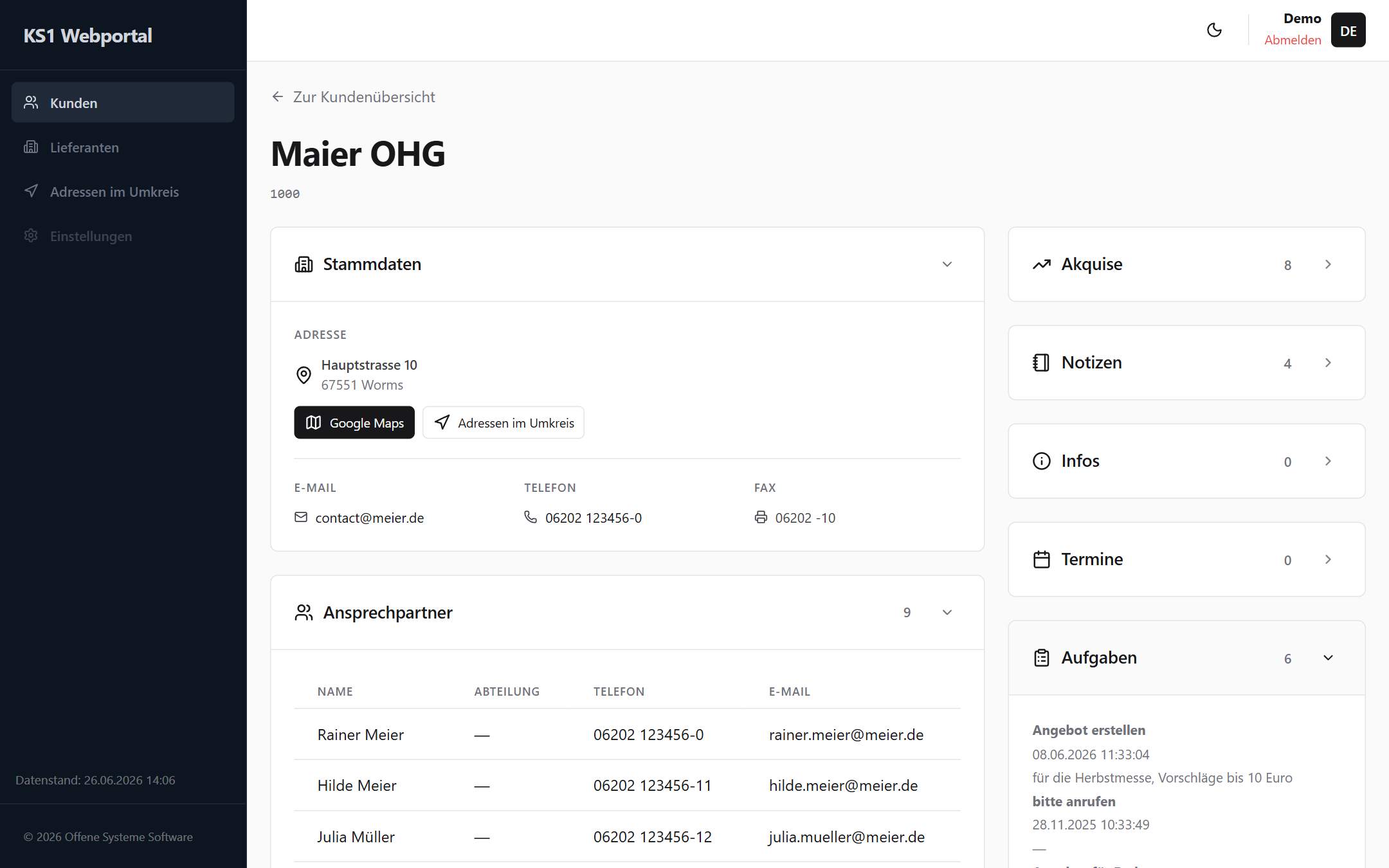
Everything about the customer – at a glance
Master data, contacts, acquisition, notes, info, appointments and tasks: the WebApp shows the complete customer file from KS1. Tap phone numbers and e-mail addresses directly, the address opens Google Maps.
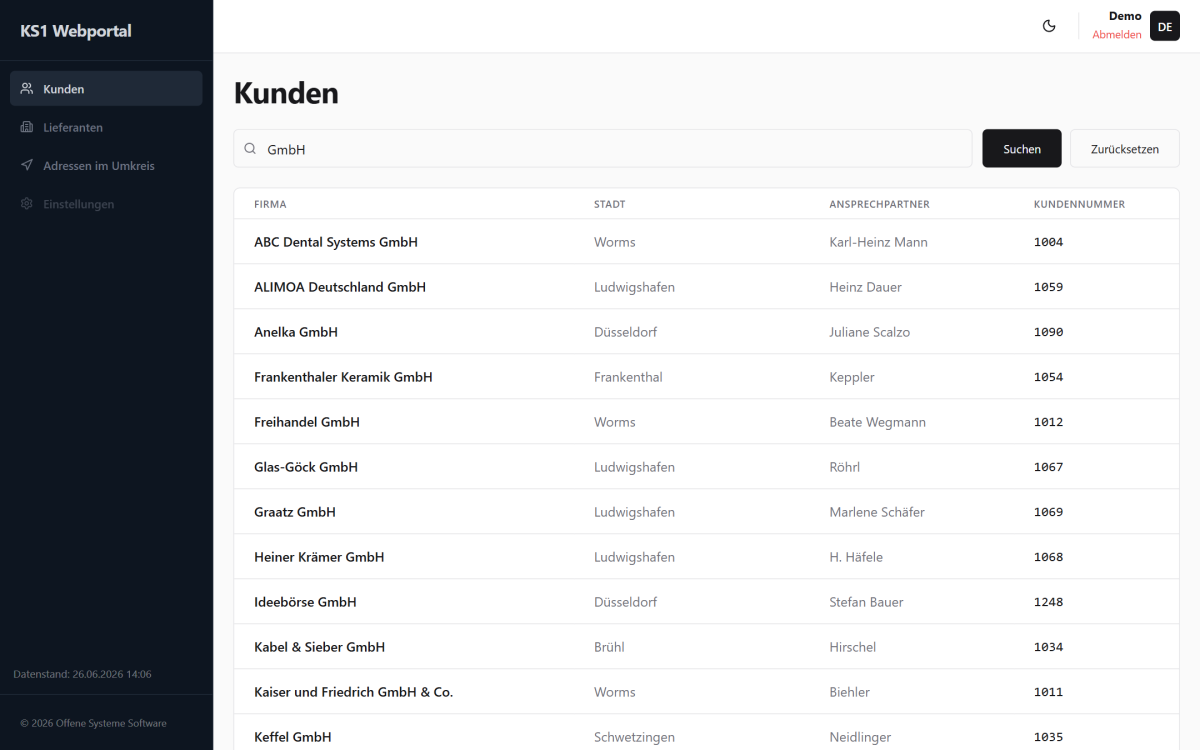
- Find customers and suppliers by company, town, number or contact
- Call, e-mail and navigate directly
- Read acquisition, notes and tasks before the appointment
Documents
Quotations, orders, invoices – down to the line item
All of the customer’s documents in one list: filter by type and period, sort by number, date, total or employee – and see every line item with quantity and price with a single tap.
- Filter by quotation, order and invoice
- Search by number, type or employee
- Line items with unit and total price
Nearby addresses
Who is right next door?
The WebApp lists every customer within 20 km – around a customer or around your current location, sorted by distance. So you can combine your next appointment with another visit.
- Around a customer or your location
- Sorted by distance
- One tap opens the customer file
On the go
Made for your phone
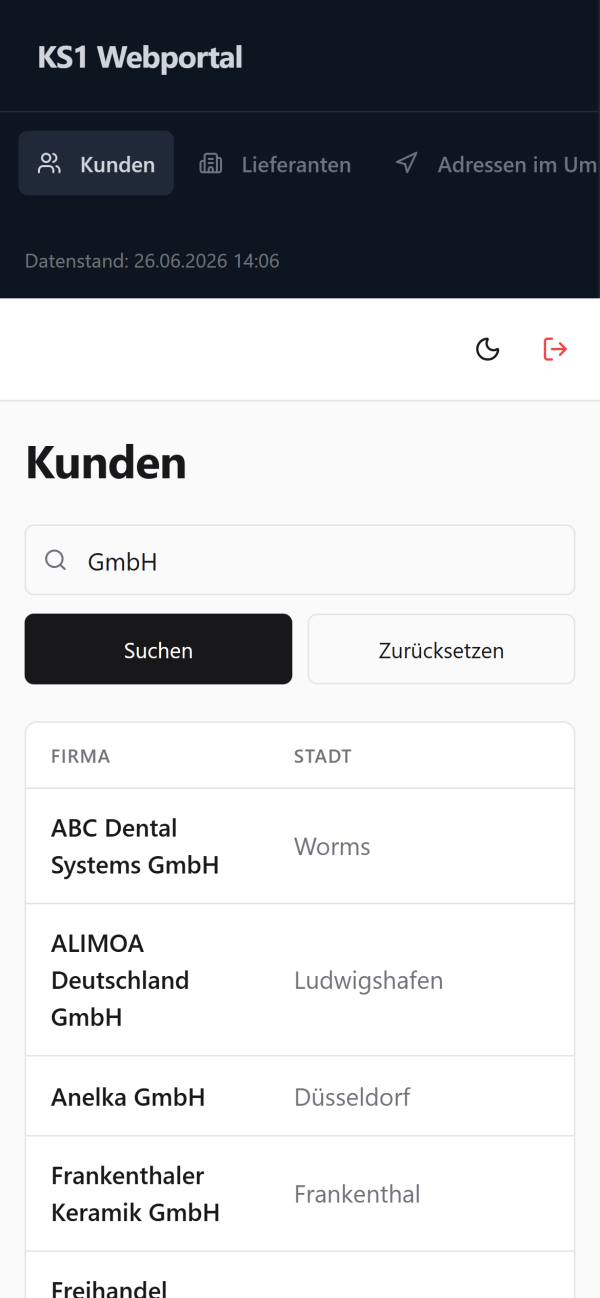
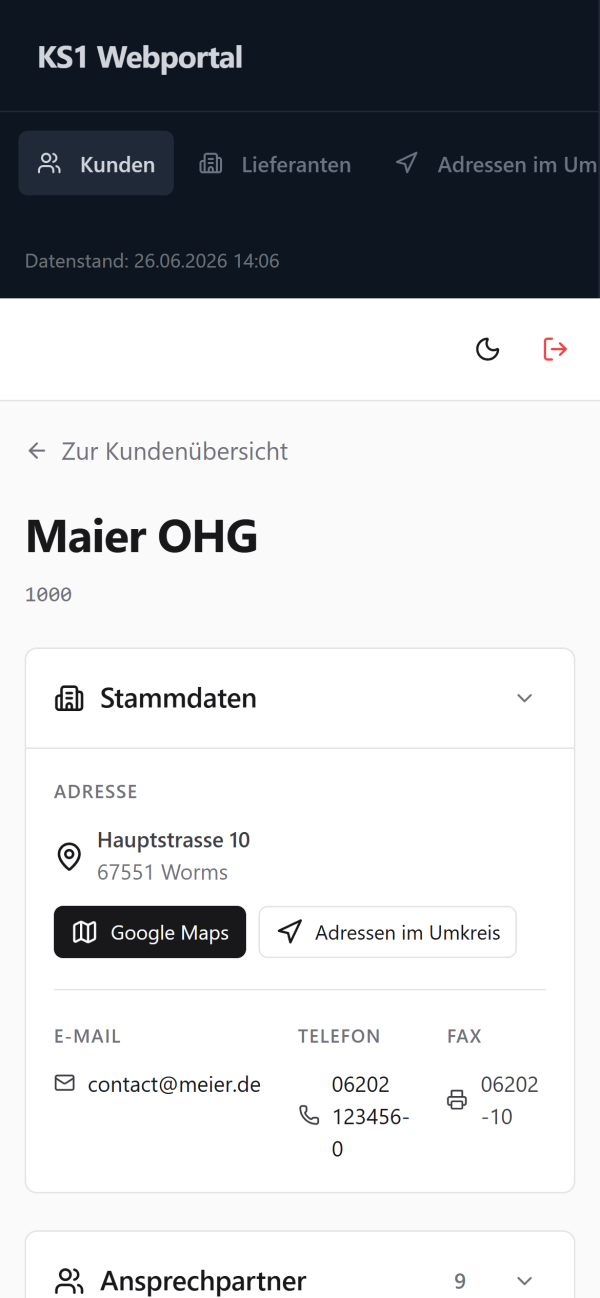
The WebApp runs in the browser – on your smartphone just as on tablet and laptop. Nothing to install, nothing to update.
-
Find customers
Search by company, town or customer number
-
Customer file
Master data, contacts and documents
-
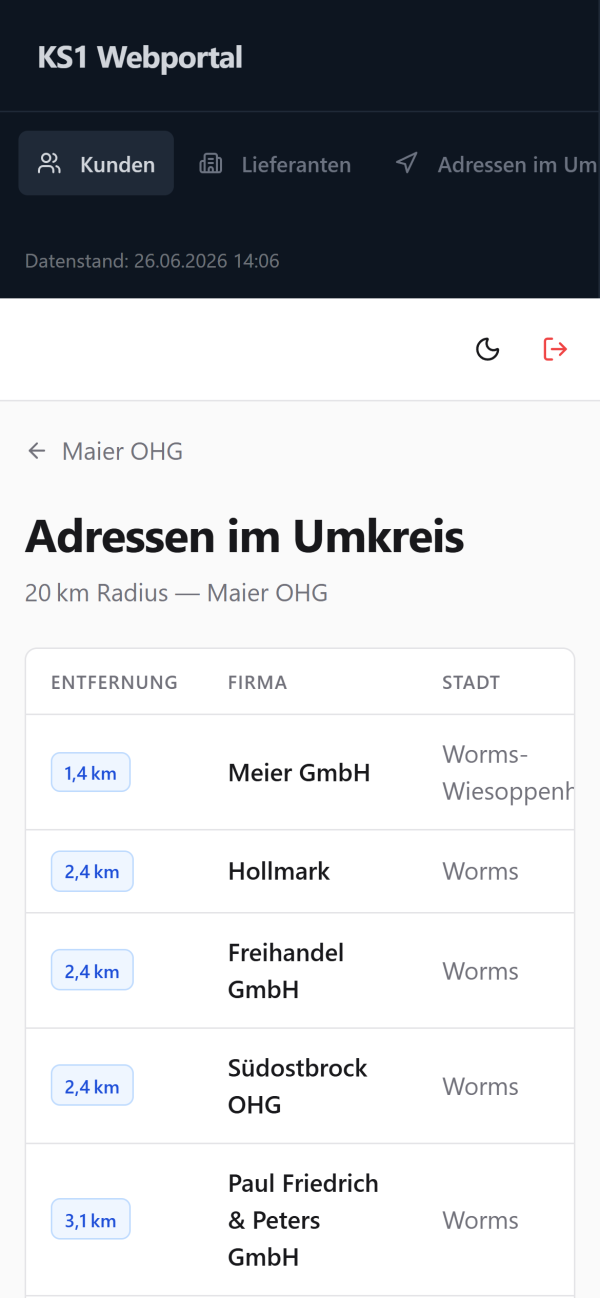
Nearby addresses
Customers close by, sorted by distance
Security
Your data stays your data
Stored encrypted
On the server your data is only ever stored encrypted (AES-256).
Your own key
Data is decrypted only when you sign in – with the key that only you know.
Access via SSL
The connection between device and server is encrypted end to end.
Data status at a glance
The WebApp always shows how current the data from KS1 is.
Personal accounts
Every employee signs in with their own user.
Light and dark
One click switches – easy on the eyes in the office and on the road.
Try it yourself
Experience the KS1 WebApp live
Sign in with the demo account and click through – or let us show you the WebApp in person.